
Backup integration
Backup jobs, outcomes, and device health from Datto — mapped to the right customer, wired into rules.
What Vectis syncs
The read side of the adapter. Pulled on a schedule and available everywhere the customer account surface lives.
Actions Vectis can take
Write-back methods this adapter exposes. Rules can call them; so can inline actions on the customer hub. Every action is logged to the audit trail.
How it correlates
Vectis is about Datto BCDR joining your other systems around the customer account — not a standalone dashboard. Two concrete examples:
Datto flags a device with three consecutive backup failures. A rule opens a ConnectWise or Autotask ticket on the right board with a dispatcher-ready subject line. The backup outcome appears on the customer's timeline regardless.

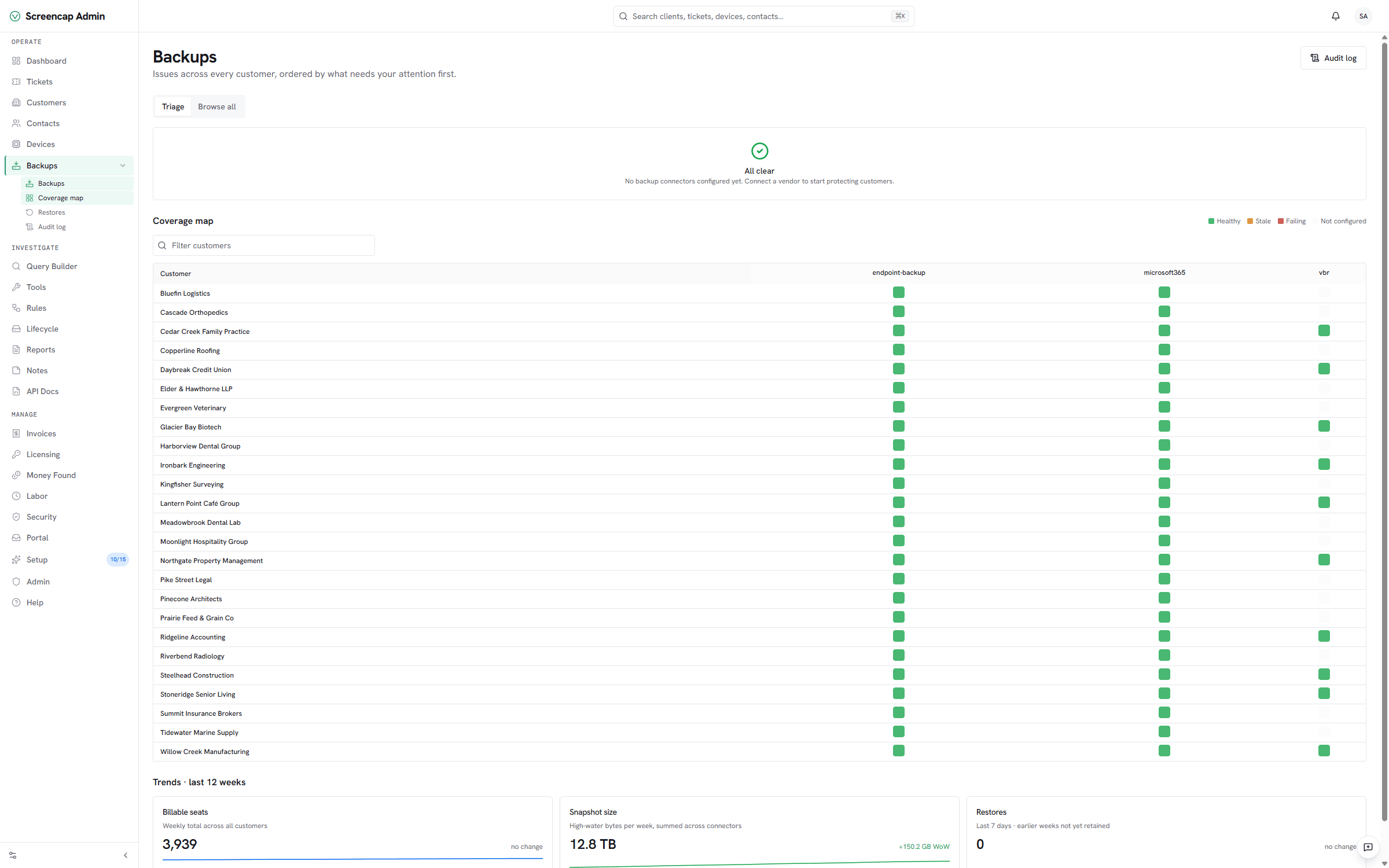
Every customer's last backup status, latest screenshot test, and devices protected show up on the account hub — no separate Datto Partner Portal tab for a quick status check.
Setup snapshot
In the Datto Partner Portal, go to Admin → Integrations → REST API and mint a dedicated key pair. Paste the public key, secret key, and the cloud your partner account lives in (us = api.datto.com, eu = api.datto.eu) into Vectis. Vectis tests with a paginated devices query before saving. The first sync pulls devices + agents + recent backup runs; subsequent syncs are incremental.
Full setup guideavailable after signup
14-day free trial. Connect Datto BCDR at signup. See every customer with their full context on day one. Cancel anytime during the trial at no charge.