
SaaS distribution integration
Ingram Micro Xvantage license inventory on the same leakage + margin surface as every other distributor.
What Vectis syncs
The read side of the adapter. Pulled on a schedule and available everywhere the customer account surface lives.
Read-only today
This adapter pulls data into Vectis but doesn’t write back into Ingram Micro. Rules can still react to the synced data — for example, a Pax8 subscription change can open a ConnectWise ticket or a HaloPSA action. The write-back lands in the PSA, not in Ingram Micro.
How it correlates
Vectis is about Ingram Micro joining your other systems around the customer account — not a standalone dashboard. Two concrete examples:
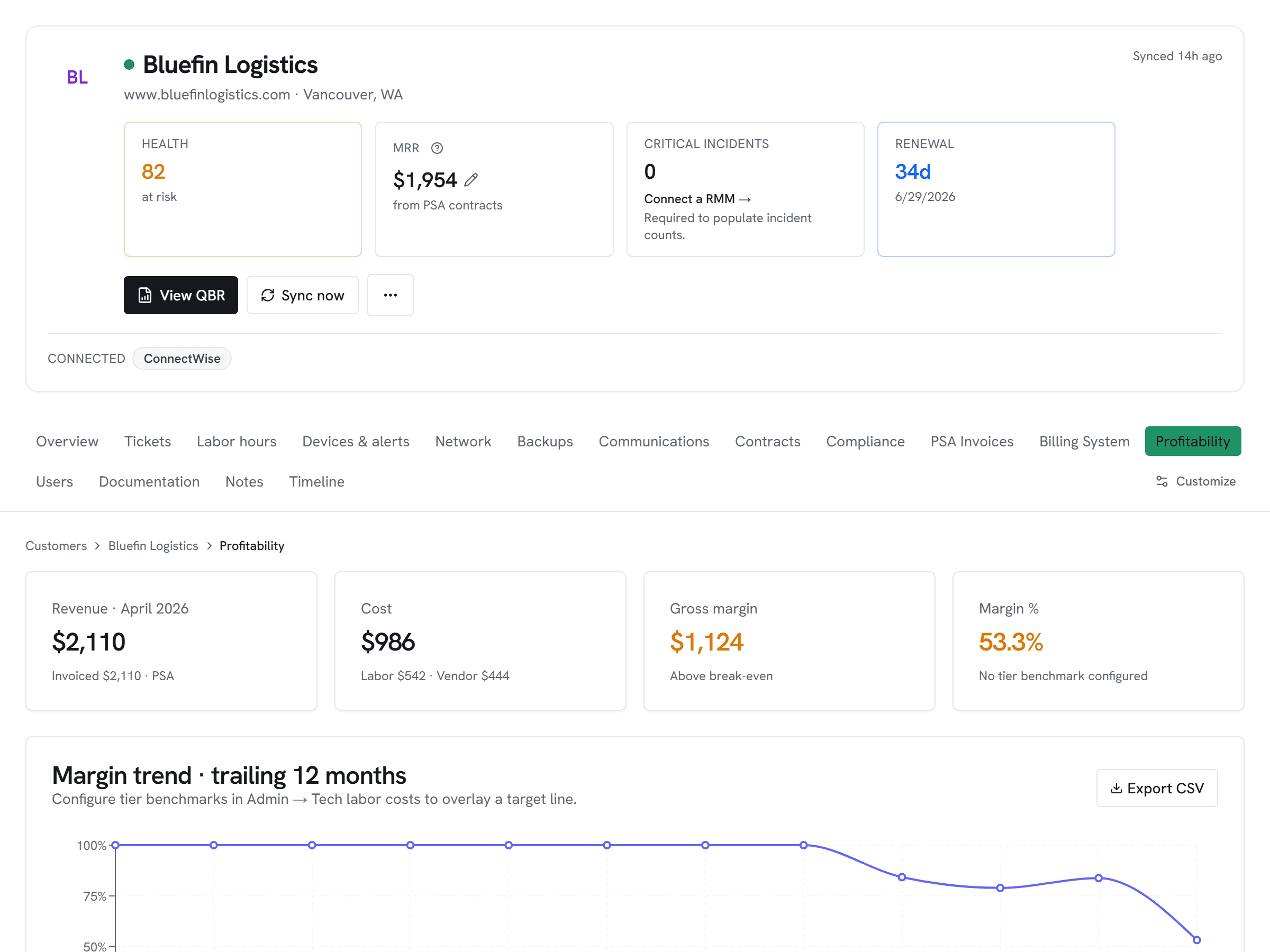
Ingram-sourced Microsoft CSP and security SaaS join Pax8 + Sherweb + SYNNEX in one license_subscriptions table. One leakage dashboard, one weekly digest, regardless of which reseller program billed the seat.
Ingram's catalog and pricing are regional, so the adapter carries a country code per connection. A multi-region MSP configures one connection per operating entity — the data still merges into one account hub per customer.
Setup snapshot
Register an app in Ingram's Developer Portal → My Apps to get an OAuth 2.0 client. Paste the Client ID, Client Secret, your Ingram reseller customer number (required on every API call), and the two-letter ISO country code for your operating entity into Vectis. Vectis tests with a subscriptions query before saving.
Full setup guideavailable after signup
14-day free trial. Connect Ingram Micro at signup. See every customer with their full context on day one. Cancel anytime during the trial at no charge.