SaaS distribution integration
Sherweb SaaS license inventory joins Pax8 on the same leakage + margin surface — especially useful for MSPs in Canada + France.
What Vectis syncs
The read side of the adapter. Pulled on a schedule and available everywhere the customer account surface lives.
Read-only today
This adapter pulls data into Vectis but doesn’t write back into Sherweb. Rules can still react to the synced data — for example, a Pax8 subscription change can open a ConnectWise ticket or a HaloPSA action. The write-back lands in the PSA, not in Sherweb.
How it correlates
Vectis is about Sherweb joining your other systems around the customer account — not a standalone dashboard. Two concrete examples:
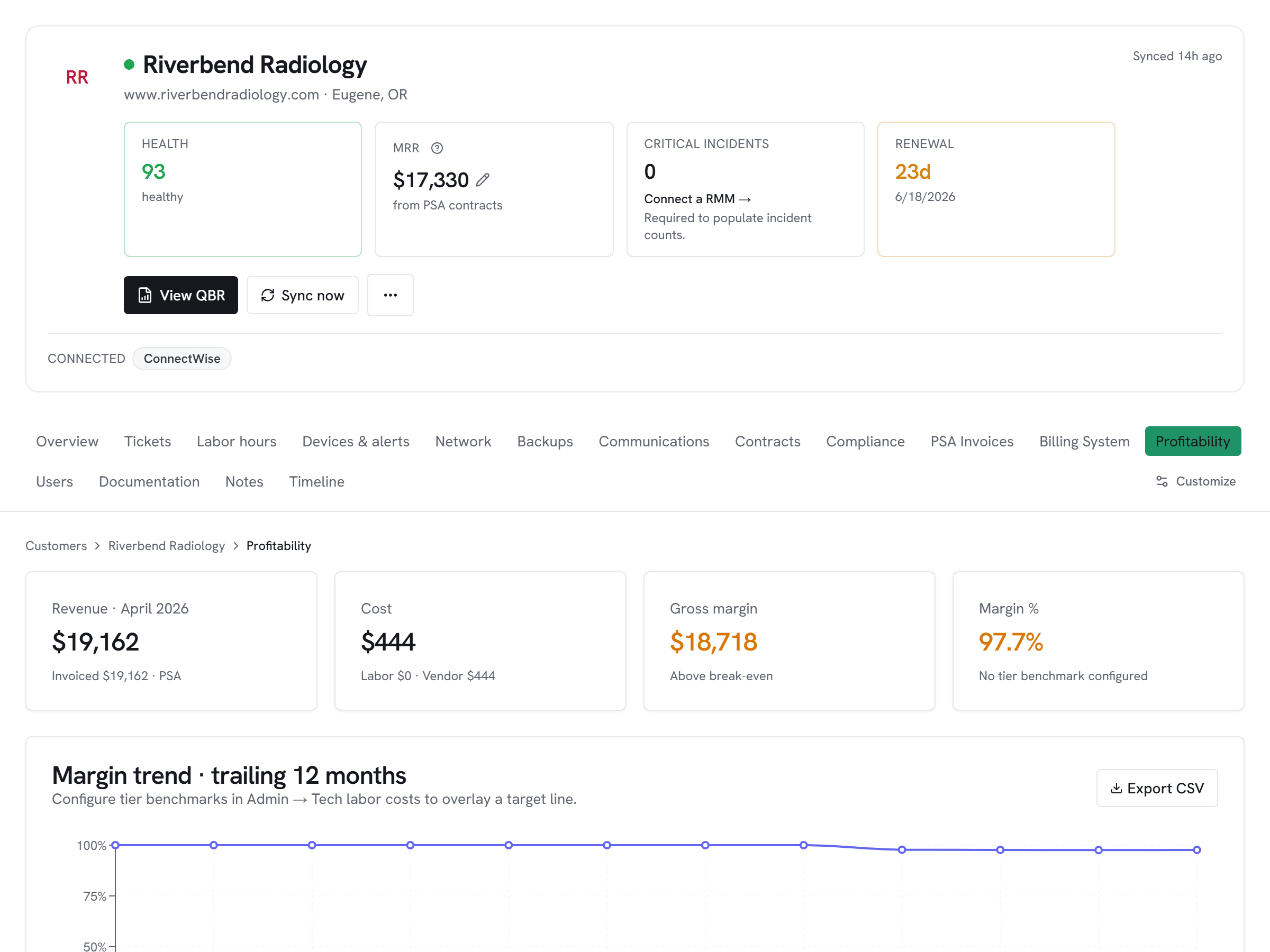
Sherweb-sourced M365 subscriptions and Pax8-sourced M365 subscriptions land in the same license_subscriptions table, vendor-tagged. The Licensing-leakage preset and Money Found digest treat them identically — uncontracted or below-margin shows up regardless of which distributor billed it.
If a customer's M365 seat count drifts between the Sherweb subscription and the PSA contract line, Vectis flags it. Works the same way across Pax8, Sherweb, Ingram Micro, and TD SYNNEX.
Setup snapshot
Create a dedicated OAuth client in the Sherweb Partner Portal → API Credentials. Paste the Client ID, Client Secret, and your partner tenant ID into Vectis. Leave scope blank for the default read-only service scope. Vectis tests against the subscriptions endpoint before saving.
Full setup guideavailable after signup
14-day free trial. Connect Sherweb at signup. See every customer with their full context on day one. Cancel anytime during the trial at no charge.