
RMM integration
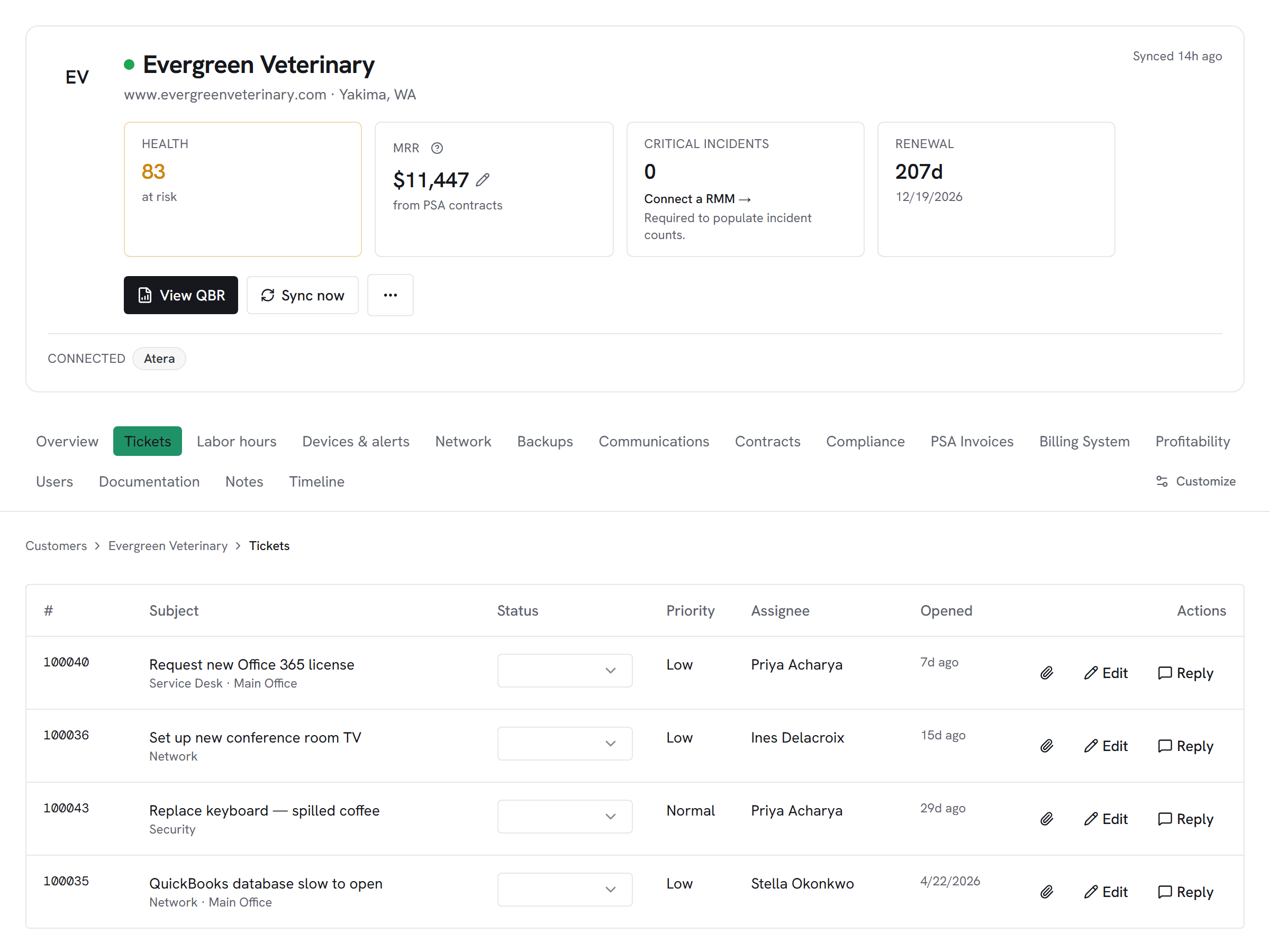
Atera customers, agents, and alerts on the customer hub — the simplest RMM setup in Vectis (one API key, no OAuth, no region).
What Vectis syncs
The read side of the adapter. Pulled on a schedule and available everywhere the customer account surface lives.
Actions Vectis can take
Write-back methods this adapter exposes. Rules can call them; so can inline actions on the customer hub. Every action is logged to the audit trail.
How it correlates
Vectis is about Atera joining your other systems around the customer account — not a standalone dashboard. Two concrete examples:
An Atera alert fires for a device that Vectis already maps to a ConnectWise or Autotask company. A rule opens a PSA ticket on the right board and links the ticket back to the alert. When the ticket closes, a companion rule resolves the Atera alert. Same cross-tool automation, regardless of RMM.

Atera agents show up on the same customer hub as NinjaOne devices, Kaseya agents, and N-able devices. Lifecycle, posture, and backup context merge without caring which RMM manages the endpoint.
Setup snapshot
In Atera, go to Admin → API and generate a dedicated API key for Vectis. Copy the key into Vectis — that's it. No OAuth, no region, no tenant URL. Atera's API is SaaS-only with a fixed endpoint. Vectis tests with a customers query before saving. The first sync pulls customers, agents, and alerts; subsequent syncs are incremental.
Full setup guideavailable after signup
14-day free trial. Connect Atera at signup. See every customer with their full context on day one. Cancel anytime during the trial at no charge.